

Managing bidding, job costing, and daily field tracking in one system without ballooning costs is still too hard for commercial specialty subcontractors. Most construction management products hide pricing in a sales process, charge per seat, or skip field-first tools for small and mid-sized trades. This comparison covers field access, accounting integration, pricing models, and trade-specific controls so commercial subcontractors can pick a platform that fits their workflow and budget.
Table of Contents
- eSUB Construction Management Software
- JobTread
- Electrolytix by FCP Insight
- subhq.app
- Comparison of alternatives
eSUB Construction Management Software
At a Glance
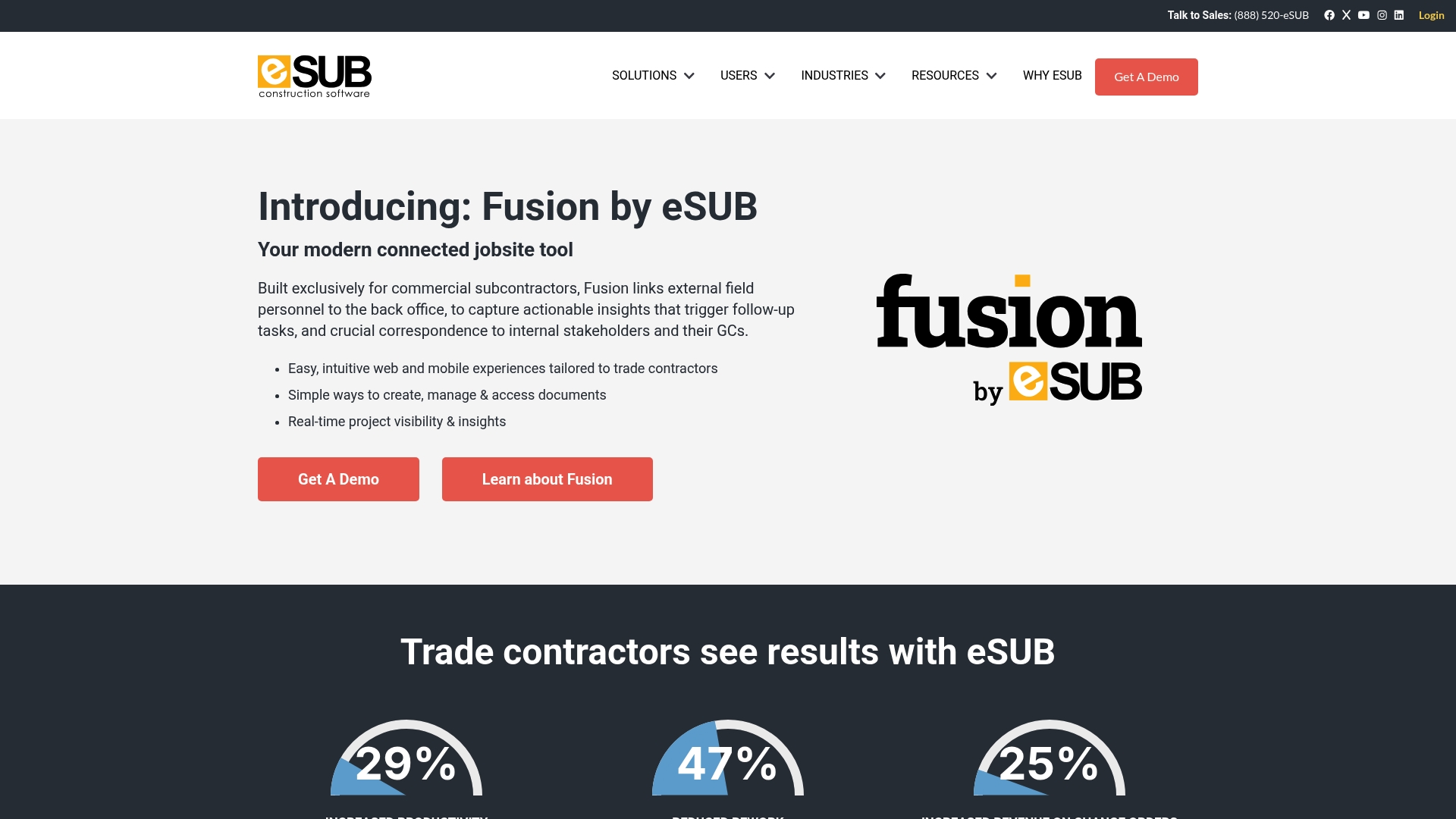
eSUB includes built in integration with QuickBooks Online, which helps keep accounting and field records aligned. The system targets trade contractors and focuses on document control, RFIs, and change order workflows. A mobile app gives foremen access to daily reports and time and materials tracking from the field.
Core Features
eSUB bundles project management, document control, and field communications into a single product that maps to subcontractor workflows. It supports RFIs, submittals, change orders, daily logs, and job costing while tracking purchases and expenses. The platform also offers reporting and analytics and a mobile app for field access.
Key Differentiator
eSUB is built specifically for trade contractors and puts field to office communication at the center of its design. That focus shows in features for daily reports, time and materials tracking, and change order management tailored to trades like electrical, plumbing, and HVAC. The vendor positions those workflows as the main difference from general construction project management tools.
Pros
The product aligns with subcontractor routines and reduces duplicate entry between the field and the office. Mobile access improves how foremen submit daily reports and time entries. Integration with QuickBooks Online helps close the loop on progress billing and accounts receivable.
Cons
- Requires adoption of cloud based workflows. Teams that run everything on paper will face a cultural and process shift.
- Advanced modules have a learning curve for staff new to digital project management. Training time can be needed before the team is productive.
- Pricing is not publicly disclosed. That opacity can be a barrier for small contractors with tight budgets.
When It May Not Fit
If your crew rarely connects to the internet, the cloud based model will limit access to live features. Contractors who prefer minimal software and no training may find the product too involved. Firms with very small crews and rigid budgets should confirm cost before committing.
Notable Integrations
eSUB lists QuickBooks Online as an integration for accounting sync and progress billing. No other third party integrations are publicly listed in the product data.
Who It's For
Commercial trade contractors and subcontractors that handle multiple active jobs will see the most value. Estimators and project managers who need better control over RFIs, submittals, and change orders will benefit. Trades such as electrical, plumbing, HVAC, concrete, and drywall match the target audience.
Real World Use Case
An electrical subcontractor uses eSUB to collect daily reports from the field and to file RFIs with the general contractor. The estimator posts change orders and links them to cost lines that flow into billing. Field crews enter time and materials on the mobile app to speed invoicing.
Pricing
Pricing is not publicly disclosed and appears to be custom based on company size and needs. Expect vendor sales contact to provide a quote tailored to job count and required modules. Small contractors should ask for a clear breakdown of modules and implementation costs.
Website: https://esub.com
JobTread
At a Glance
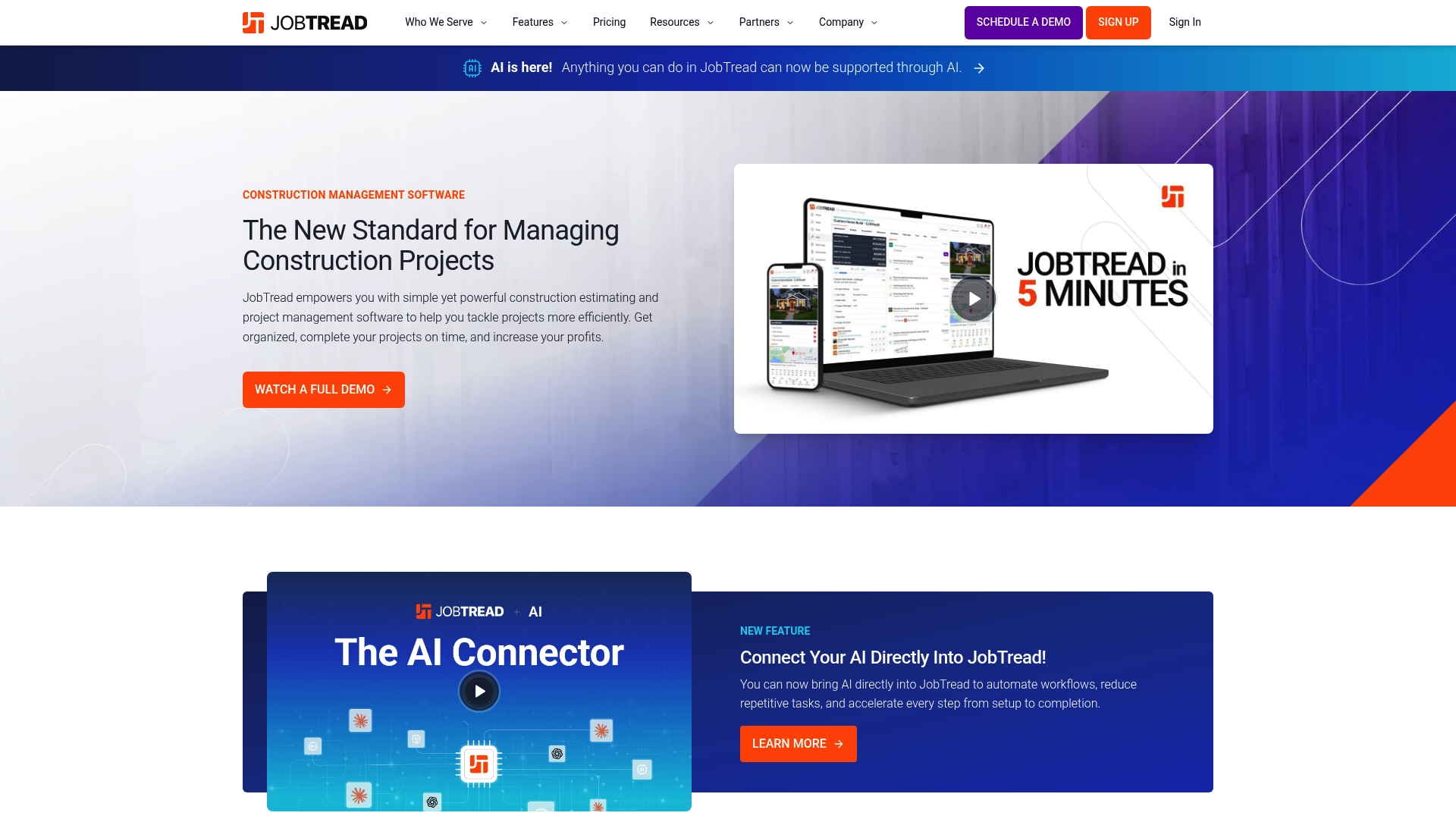
Includes a free portal for vendors and clients while internal team seats use paid pricing. Paid seats start at $199 per month billed monthly or $159 per month billed annually. The vendor reports industry recognition such as G2 High Performer and Deloitte Fast 500™.
Core Features
JobTread combines Sales & Estimating tools with takeoff, CRM, and bid tracking so estimators avoid copying numbers between systems. Project management covers workflows, scheduling, daily logs, and file management to keep field and office teams aligned. The platform also handles job finances with budgeting, job costing, invoicing, and change orders while offering APIs and Zapier for custom data flows.
Key Differentiator
The platform centers on being an all-in-one construction system that pairs AI support with broad third-party integrations. That mix targets firms that want one product for sales, field operations, and accounting connectivity.
Pros
JobTread groups estimating, project management, and financials in a single product so you avoid copy-paste errors between separate tools. That recognition from industry awards lines up with reported ease of use and responsive customer support. Flexible seat pricing and a free vendor and client portal let small crews invite subs and clients without extra seat costs.
Cons
- Pricing complexity can surface for larger teams. The user-based model introduces tiered charges after early volume discounts.
- Some capabilities require training to get full value. Office staff unfamiliar with construction software will need time to learn workflows.
- Certain integrations need setup work for custom workflows. Expect configuration time for APIs or Zapier links.
When It May Not Fit
If your crew is two people and cost per seat is the main constraint, a simpler estimating app may cost less. If you run highly customized accounting rules that change often, the user-based seat model and integration setup could add admin overhead. Firms that prefer a separate best-in-class takeoff-only tool may find JobTread broader than needed.
Notable Integrations
- QuickBooks Online
- Home Depot
- Eagleview
- NiceJob
- CompanyCam
- Gusto
- Stripe
- Zapier
Who It's For
Owners, estimators, and project managers at subcontracting trades who need an integrated project and financial tool. Works well for roofing, remodeling, plumbing, HVAC, and exterior contractors that invoice, manage change orders, and sync with QuickBooks. Fits teams that want field mobile access plus office controls.
Real World Use Case
A remodeling estimator builds takeoffs and a line-item estimate in JobTread. The project manager tracks daily logs and change orders while the client uses the portal to approve extras. Invoicing flows to QuickBooks Online and payments process with Stripe for faster cash collection.
Pricing
Plans start at $199 per month billed monthly or $159 per month billed annually for the base offering. Pricing uses per-seat billing with tiered discounts once you pass 10 users. The platform advertises a risk-free start.
Website: https://jobtread.com
Electrolytix by FCP Insight
At a Glance
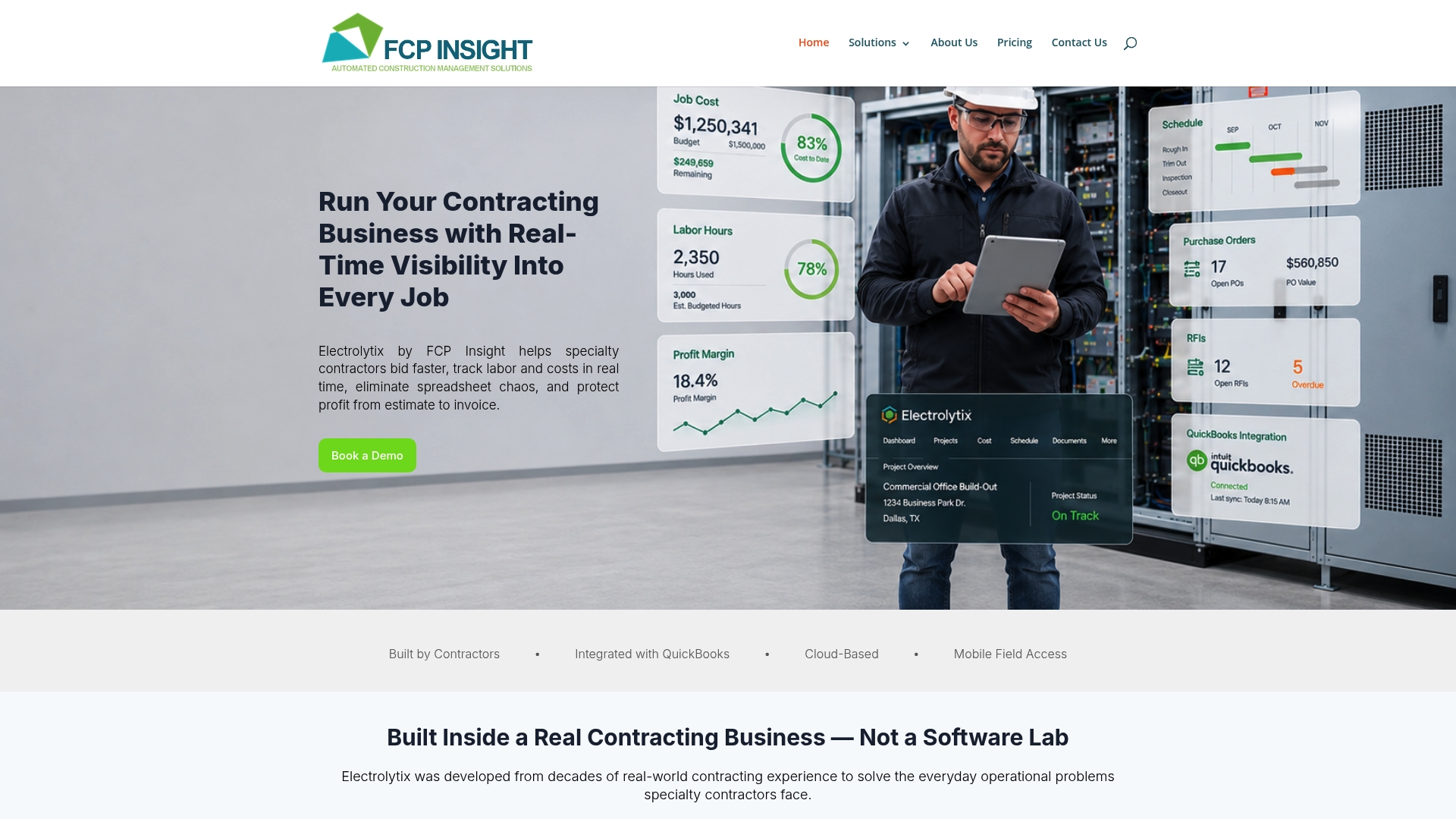
Free starter plan with paid tiers starting at $1,200/month. The product grew out of contractor experience and includes mobile field access for tracking labor and costs. It includes QuickBooks integration and cloud document management for drawings, RFIs, and submittals.
Core Features
Electrolytix combines sales, estimating, and project bidding with real-time labor and job costing so you can see margin pressure as work progresses. The platform provides project management and scheduling tools and supports cloud document sharing for drawings, RFIs, and submittals. It also offers a direct QuickBooks connection for accounting sync and mobile field access for crews.
Key Differentiator
Developed by people who have run contractor businesses, the system maps common trade workflows into software features. That field experience shows up in tools for bidding, labor tracking, and live job cost visibility. The product focuses on specialty trades rather than a one-size-fits-all general contractor solution.
Pros
Built by industry veterans, Electrolytix covers the full run from sales and estimating through project operations and financial close. Real-time job costing and field access reduce surprises in labor and materials. The QuickBooks connection shortens the accounting handoff and cuts duplicate data entry. Flexible plans, including a free starter tier and a paid option, make it possible to test the system before committing.
Cons
- Pricing may be expensive for larger teams and for firms with many concurrent projects.
- Implementation and onboarding require dedicated staff time and training.
- Integrations beyond QuickBooks are limited in public materials.
When It May Not Fit
If you have no internal staff to manage implementation, this product will add overhead during rollout. Companies outside construction will find features aimed at trades and job costing less useful. Firms that need broad third party integrations beyond QuickBooks should look elsewhere.
Notable Integrations
- QuickBooks for accounting sync and invoice flow.
Who It's For
Small to mid sized specialty contractors that run bidding, field crews, and accounting in house will get the most value. Estimators and project managers at electrical, HVAC, plumbing, and similar trades will find the estimating and labor tracking useful. Owner operators that want a single system for bids and job costing should evaluate it.
Real World Use Case
An electrical contractor uses Electrolytix to manage incoming bid invitations, produce estimates, and track crew hours in the field. Foremen submit time and photos from mobile devices. The office compares job cost to estimate daily and flags jobs that need management attention early.
Pricing
A free starter plan exists for basic use. Paid plans begin at $1,200/month, with higher tiers and custom pricing available for larger operations. Pricing varies by features and number of projects.
Website: https://fcpinsight.com
subhq.app

At a Glance
No per-user or module-based pricing, positions this tool for subcontractors who want predictable costs as they add crew members or projects. The vendor emphasizes field-first design and daily use for foremen and office staff. The interface focuses on daily tracking, change orders, and compliance so teams keep work aligned from bid to closeout.
Core Features
SubHQ combines project management with operational visibility and field oriented tracking, so crews can record daily time and installation quantities, attach files, and keep compliance documents with the job. It includes change order workflows, customizable checklists and forms, personnel and asset records, and centralized file management. The feature set aims to move bid files into day to day job control without splitting core capabilities into separate paid modules.
Key Differentiator
The clear difference is the combination of subcontractor-focused workflows and a pricing model that avoids per-user fees. That approach targets small to mid-sized specialty trades by removing a common scaling cost pain point while keeping tools accessible for foremen and estimators on site. The vendor frames the product around maintaining alignment and preventing project drift across multiple jobs.
Pros
Designed by subcontractors for subcontractors, SubHQ shows practical choices in its workflows and field screens, which reduces training time for field crews. The absence of per-user and module-based pricing simplifies buying conversations and makes budgeting easier as you add projects or people. The product covers both office functions and daily site work, so change orders, safety checks, and daily logs live in the same job record rather than separate systems.
Cons
- Limited public detail on third-party integrations, which may require manual transfers to accounting or bidding tools.
- The vendor page contains content errors, so some advanced limitations are not fully listed.
- No explicit mention of offline capability or a native mobile app, which could matter for crews working without reliable signal.
When It May Not Fit
If your shop needs deep, documented integrations with an accounting package or estimating library, SubHQ may not be a match today. Teams that require verified offline mobile operation or a published native app feature set should treat the mobile capability as unconfirmed. Larger firms that demand heavy customization or an open API should expect to discuss those needs during a consult.
Who It's For
Small to mid-sized commercial specialty subcontractors will find the product most relevant. This includes electrical, plumbing, HVAC mechanical, drywall, framing, roofing, concrete, and fire protection trades. The design suits owners, estimators, project managers, and foremen who want a single system to hold bids, daily reports, and change orders without per-seat fees.
Real World Use Case
A plumbing subcontractor running three overlapping jobs uses SubHQ to move bid documents into an active project folder, capture daily labor and installed counts, and route change orders back to the office for pricing. Foremen upload photos and safety checklists from site, and the office uses the same job record to reconcile costs and spot deviations from budget.
Pricing
Pricing is consultative rather than posted as fixed tiers. The vendor states the product is built for predictability and recommends direct consultation to get a quoted price tailored to shop size and feature needs. The absence of per-user fees is a core pricing detail.
Website: https://subhq.app
Comparison of alternatives
Selecting the appropriate software to manage construction projects requires weighing trade-offs among features, pricing structures, usability, and integration support. This analysis highlights the strengths, limitations, and use scenarios of eSUB, JobTread, Electrolytix, and SubHQ, prominent systems designed to serve subcontractors.
Integration capabilities and data connectivity
For teams requiring integrations, JobTread stands out with multiple connected tools, including Stripe, Zapier, and third-party services. This variety significantly optimizes centralizing operations and reducing software redundancies. Conversely, eSUB and SubHQ retain a narrower integration scope, focusing on internal systemization and custom field-oriented workflows. Such differences illustrate the necessity of alignment with existing tools.
Pricing predictability and scalability
SubHQ's unique cost model avoids user-tiered fees, ensuring financial predictability regardless of team size—a practical choice for small to mid-sized contractors. On the other hand, while Electrolytix provides competitive real-time job costing and labor tracking, it sets a higher baseline price, potentially daunting smaller operations seeking affordable scalability. Clear communication during sales discussions is essential due to variations in publicly listed costs among competitors.
Best fit
- Subcontractors valuing software purpose-built for trade-specific workflows will find eSUB effective for document coordination with schedule management.
- Businesses seeking broad integration having flexible user accessibility should explore the options JobTread offers for software extensions.
- Companies aiming to monitor costs closely and respond swiftly to margin pressures will derive significant benefits from Electrolytix.
- Contractors needing cost transparency and scalable pricing without hidden fees will benefit from SubHQ's predictable structure.
Our pick
While each of these solutions has specific strengths, SubHQ offers an ideal blend of subcontractor-oriented project management, integrated field deployment, and consistent pricing for a variety of organizational sizes and applications. However, understanding individual requirements is crucial in selecting the best fit from among these options.
Choosing the right construction management software can streamline workflows and improve office-to-field coordination.
| Product | Key Differentiator | Best For | Pricing | Notable Limitation |
|---|---|---|---|---|
| Subascent | Trade-focused workflows, no per-user fees | Specialty subcontractors, field crews | Price not published | Limited information on integrations |
| eSUB | Optimized for trade contractors | Trade contractors, commercial crews | Price not published | Cloud model requires process adoption |
| JobTread | All-in-one solution with AI and integrations | Estimators, project managers | $199/month or $159/month | Requires training for effective use |
| Electrolytix | Real-time job costing and bidding tools | Specialty contractors, owner operators | Free tier, $1200/month | Limited integrations and high implementation costs |
| subhq.app | Predictable pricing for field operations | Mid-sized specialty subcontractors | Price not published | Limited offline and mobile app confirmation |
Choosing the right software when looking at sitesmanager.com alternatives
Specialty trade subcontractors—owners, estimators, and project managers—often struggle with managing bids, daily reports, and change orders. Missed bid invitations and slow invoice processing hurt job profitability. Subascent focuses on trades like electrical, plumbing, HVAC/mechanical, and drywall. It helps you track incoming bid invitations without missing deadlines and build estimates faster without redoing spreadsheets. Foremen can capture daily reports and timecards easily, removing information stuck in heads.
Improve your workflow with tools designed for contractors who manage multiple projects and sync with QuickBooks for faster AR follow-up. Visit Subascent to see how our software matches the needs of specialty trade professionals and delivers better control over your bids and jobs.
Learn more about how Subascent supports trade estimators and project managers
FAQ
How does Subascent support daily time and materials tracking for construction projects?
Subascent offers a mobile app that enables foremen to access daily reports and track time and materials from the field. This feature enhances field to office communication, which is crucial for construction management. Users can expect to streamline their reporting process and improve accuracy in project management.