

Switching from spreadsheets or general accounting tools to software built for construction job costing often creates new headaches around field-to-office syncing and user fees. Many popular solutions force trade contractors into rigid general contractor workflows or ramp up costs with per-user pricing and limited mobile access. This comparison explains pricing structures, trade-specific features, and mobile capabilities among five leading construction job costing platforms so you can match one to your team’s size, tech comfort, and workflow.
Table of Contents
- Sub Ascent
- eSUB Construction Management Software
- JobTread
- Plexxis Construction Management Software
- CrewCost
- Comparative Analysis of Top Job Costing Solutions for Specialty Trades
Sub Ascent

At a Glance
Flat monthly pricing plus a free foreman app, CrewTrack, lets you add field users without per-seat fees and keep job-level photos, weather logs, and timecards synced. The vendor advertises integration with third-party AI services for data analysis.
Core Features
- Automatic bid capture that grabs invites and deadlines so you stop losing opportunities in email clutter.
- Visual bid board with drag-and-drop lanes for status, priority, and due dates so estimators see the pipeline at a glance.
- Smart reminders for deadlines and a built-in estimate builder that accepts Excel imports.
- CrewTrack mobile app with offline capability for foremen to record hours, photos, and daily reports on-site.
- Job costing, real profit analytics, change order management, and flexible invoicing (lump sum or progress billing).
- Optional add-on for PDF plan takeoff measurements and custom proposal templates.
Key Differentiator
The product maps directly to how subs work: capture invites, move them across a visual board, then close the loop with field reports from the foreman app. That end-to-end flow mirrors an estimator and a foreman working together, not two disconnected systems.
Pros
- Designed for subcontractors. Workflows reflect how electrical, plumbing, HVAC, and masonry teams actually track invites and bids rather than forcing GC workflows on subs.
- Saves administrative time by automating bid capture and deadline reminders rather than relying on spreadsheets and inbox searches.
- Field data shows up in the office in real time. When a foreman logs hours or photos in CrewTrack, the office gets job updates without phone chains.
- Flat-rate pricing removes per-seat math. Growing from a two-person estimating team to a dozen field users does not spike your monthly bill.
- Estimate builder plus Excel import reduces rebuild time when you already have a workbook-based cost model.
Cons
- Some advanced capabilities such as PDF takeoff require the paid add-on, which adds cost for teams that need plan measurement in-house.
Who It's For
Owners and estimators at specialty trade firms with 1–50 employees and $500K–$15M revenue. Best for electrical, plumbing, HVAC/mechanical, masonry, concrete, framing, drywall, roofing, fire protection (sprinkler), low-voltage, painting, flooring, glazing, insulation, and steel/rebar trades that need bid capture plus field-to-office syncing.
Unique Value Proposition
Flat pricing plus a free foreman app changes the math on user growth and field reporting. Instead of choosing which foremen get mobile access, you can put CrewTrack on every phone and pull daily reports and timecards into the same job without per-seat charges.
Real World Use Case
A plumbing subcontractor automatically captures hundreds of bid invites each week, drags active opportunities on the bid board, and assigns a foreman to jobs in CrewTrack. Daily reports and change order requests flow back to the estimator for faster invoicing and fewer missed deadlines.
Pricing
Monthly plans start at $39 (Starter) and $79 (Scale) with an optional $99 add-on for PDF takeoff. Annual billing offers discounted rates versus monthly.
Website: https://subascent.com
eSUB Construction Management Software
At a Glance
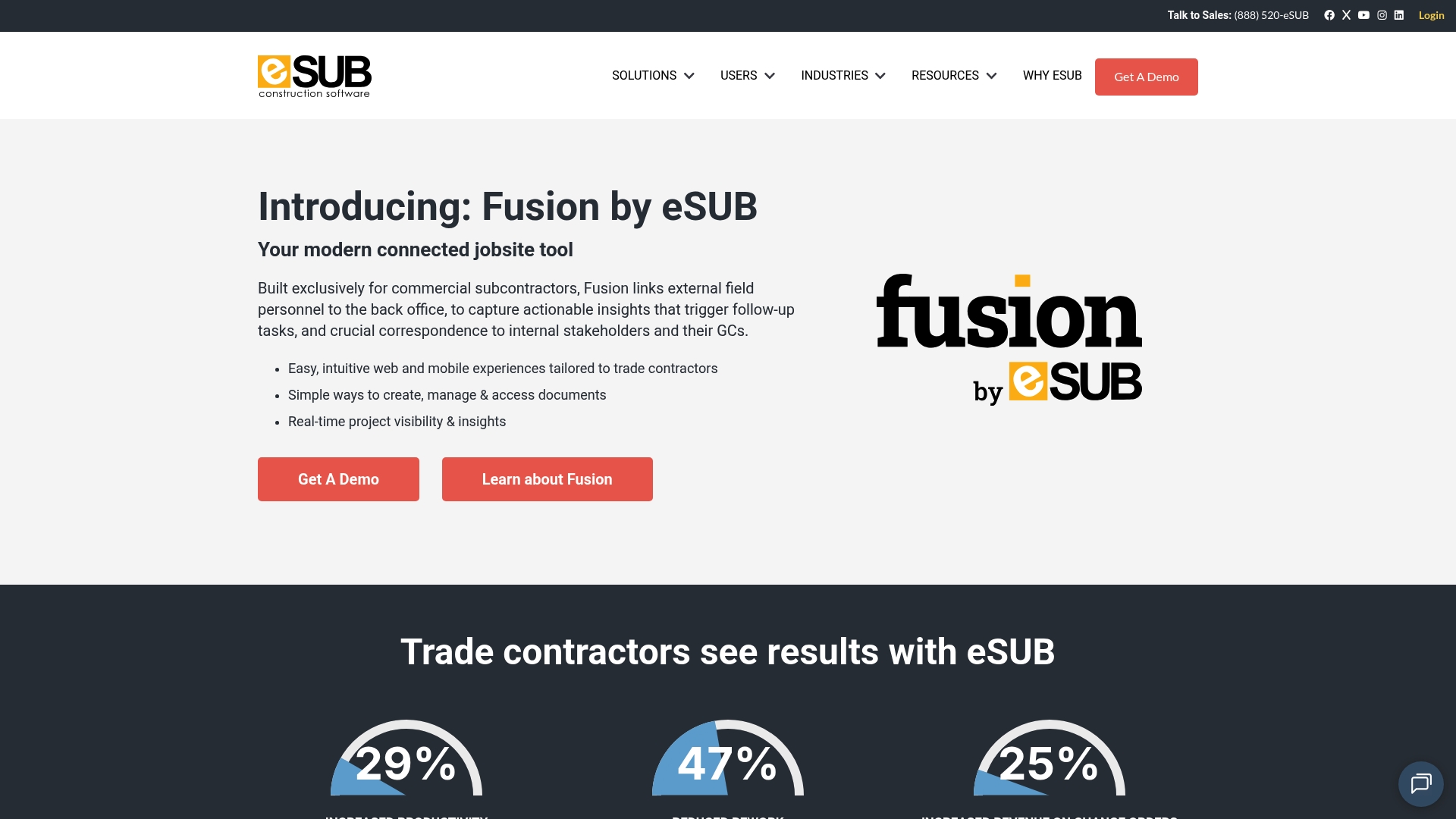
Tailored modules for daily reports, submittals, RFIs, change orders, and job costing put field documentation front and center. eSUB focuses on giving trade teams fast mobile access to field notes, photos, and labor records so office staff and foremen share the same live record.
Core Features
- Cloud-based project documentation management for centralized files, daily logs, and correspondence.
- Mobile app for field notes, photos, and daily reports so foremen record progress on the jobsite and the office sees it immediately.
- Submittals, RFIs, and change order workflows with status tracking and approvals.
- Labor and time tracking tied directly to project data for scalable cost visibility.
- Reporting and analytics that extract progress and cost signals from the site data.
Key Differentiator
The product is built with subcontractors as the primary persona, not a scaled-down general contractor module. That focus means menus, workflows, and reporting reflect trade realities like daily logs, onsite photo evidence, and the way RFIs move between field and office.
Pros
-
Budget friendly for smaller trade firms and simpler to roll out than enterprise suites. The interface prioritizes quick adoption for crews and office staff.
-
Mobile-first data capture reduces paper and lost notes. Foremen can attach photos and links to a daily report in minutes.
-
Integration with accounting systems makes cost tracking practical. Linking project data back to QuickBooks Online keeps job costing tethered to financials.
-
Training resources and dedicated support are part of the package, which helps teams that lack an IT admin during rollout.
-
Focused feature set keeps common subcontractor workflows—RFIs, submittals, change orders—visible and auditable for owner meetings.
Cons
-
Scheduling and plan management are shallow compared with dedicated schedulers and plan viewers, so you will still need another tool for multi‑trade sequencing.
-
Setup and onboarding can take longer than the length of a short job, which reduces appeal for quick turnaround contracts.
-
Integration surface is limited relative to some rivals, which can force manual CSV exports or duplicate entry for specialty tools.
-
Some customers report occasional delays in support response or slower update cycles for feature requests.
When It May Not Fit
If you manage complex, overlapping schedules across dozens of trades or need robust plan markups, eSUB's weaker scheduling and plan features make it a poor single-source solution. Also avoid it for very short one or two week jobs where onboarding overhead outweighs the benefit.
Notable Integrations
- QuickBooks Online for accounting sync and job cost reconciliation. No other integrations are listed in the provided product data.
Who It's For
Trade contractors and subcontractors on commercial projects who want a straightforward platform for field documentation, daily reporting, and basic job costing. Typical users are electrical, plumbing, HVAC, and concrete crews with small to mid-sized project volumes.
Real World Use Case
A mid-sized electrical subcontractor uses eSUB to digitize daily progress logs, submit RFIs and change orders from the field, and produce weekly cost reports for owner meetings. The office closes gaps faster because daily photos and labor records live in the same project space.
Pricing
Not applicable — informational only. The supplied product data does not include specific pricing tiers or per-user rates.
Website: https://esub.com
JobTread
At a Glance
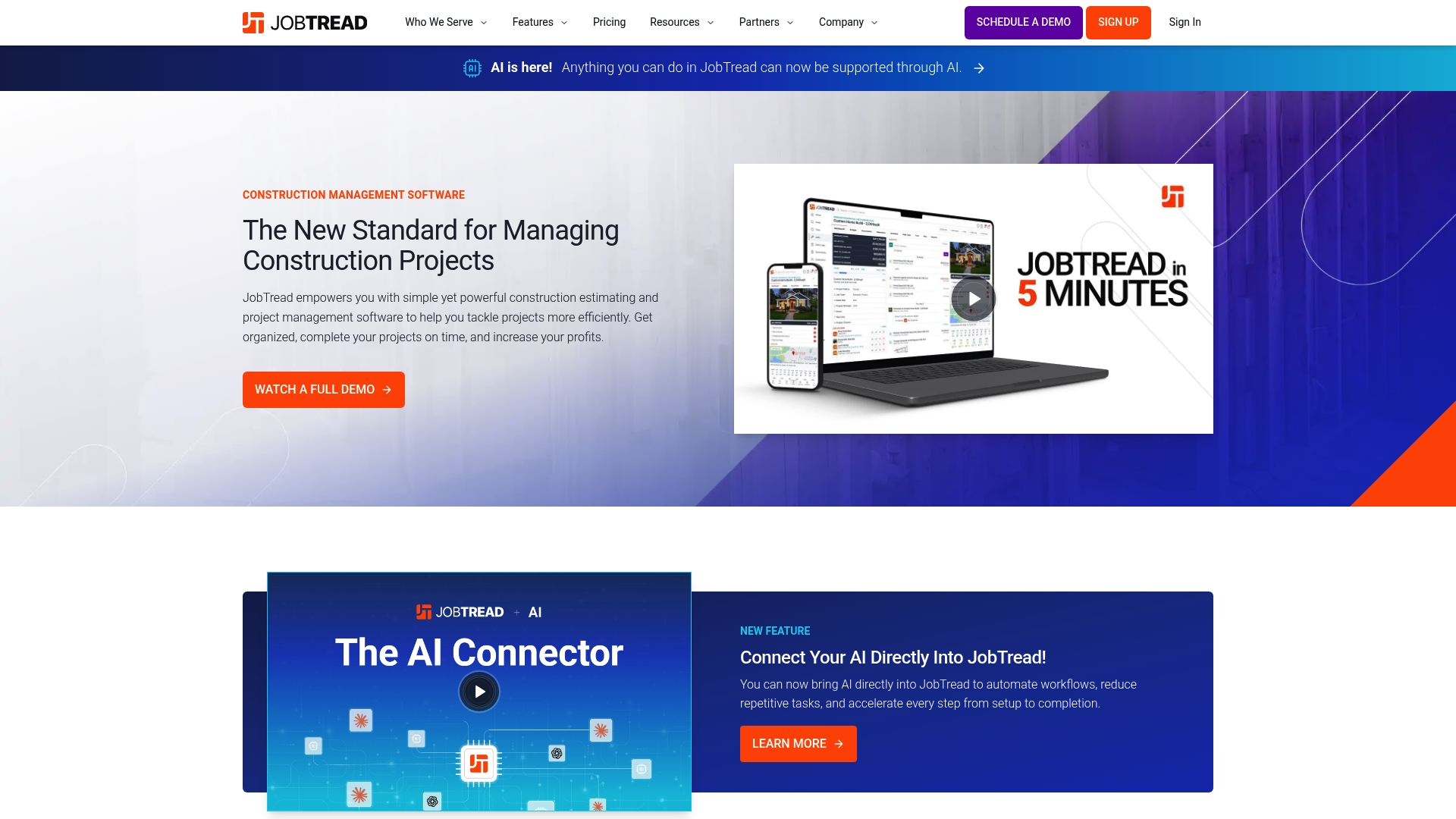
JobTread puts estimating, job finances, customer portals, and an AI connector behind a single login while linking to vendors like Home Depot and Eagleview. The platform aims to keep bids, budgets, and client communication in one place for trade contractors.
Core Features
A single sentence to frame the feature set before the list.
- Estimating and proposals: line-item catalogs, proposal templates, and change order flows built for contractors.
- Project controls: tasks, scheduling, daily logs, time tracking, and subcontractor/vendor portals accessible from mobile.
- Job finances: budgeting, job costing, invoicing, and payment applications tied to project budgets.
- Customer-facing tools: client portals, online payments, warranty tracking, and communication history.
- Integration toolkit: an AI connector plus integrations to QuickBooks Online, Eagleview, Home Depot, Zapier, and others.
Key Differentiator
JobTread’s angle is its all-in-one approach combined with a long list of trade-specific integrations and an AI connector. That mix pulls estimating, field data, client-facing portals, and accounting sync into a single workflow aimed at remodeling, roofing, and similar trades rather than generic project management.
Pros
- Strong value per dollar. Users report the platform is intuitive and the support and training resources reduce ramp time for estimators and office staff.
- Estimating workflow keeps bids and proposals linked to the job budget, which reduces the need to rekey numbers between systems.
- The customer portal removes a lot of phone-and-email back-and-forth by centralizing payments, approvals, and warranty records.
- Field crews can use mobile daily logs and time tracking so office managers get timely cost and productivity data.
- Training resources, certifications, webinars, and a help ecosystem mean less dependence on one power user in the office.
Cons
- Catalog cost updates sometimes do not propagate correctly to related pricing and margins, requiring manual checks after major updates.
- Takeoff and plan measurements can show misalignments on some jobs, so you may need to verify quantities before finalizing a bid.
- Frequent feature releases and update cadence have been reported to interrupt established workflows for some teams.
- Certain invoicing or integration edge cases require workarounds or manual adjustments, especially with third-party takeoff tools.
When It May Not Fit
If your operation requires millimeter-perfect takeoffs without verification, JobTread’s measurement inconsistencies are a liability. Also avoid it if your office needs a completely frozen workflow; teams that resist frequent updates report friction. Firms heavily reliant on an uncommon third-party tool not listed in the integrations may face extra manual steps.
Notable Integrations
Connections to accounting and field tools are a core selling point.
- QuickBooks Online
- Home Depot
- Eagleview
- CompanyCam
- Gusto
- Stripe
- NiceJob
- Zapier
Who It's For
Small to midsize contractors and specialty trades such as roofing, remodeling, and outdoor living firms that want estimating, project controls, and job finances in one platform. Best when you want a single source of truth and have the internal bandwidth to manage occasional update-driven changes.
Real World Use Case
A remodeler generates an estimate in the office, sends a client proposal through the portal, and the crew logs daily time and photos from the field. Change orders update job budgets and invoices sync to QuickBooks, reducing billing lag and clarifying job profitability.
Pricing
Pricing starts at $199 per month billed monthly or $159 per month billed annually, with tiered user pricing that starts at $20 per additional internal user per month. The annual rate advertises a $480 yearly saving compared with monthly billing.
Website: https://jobtread.com
Plexxis Construction Management Software

At a Glance
Built exclusively for subcontractors, Plexxis unites accounting, project management, estimating, and mobile field apps under one vendor with in-house implementation support. The platform aims to give field crews and office teams the same live picture of job progress and financials to speed decisions.
Core Features
Plexxis combines core workflows that subs use every day.
- Integrated construction management platform connecting finance, project controls, and field tools.
- Real-time job progress tracking and reporting for early detection of delays and cost drift.
- Mobile field apps that work offline and capture safety documentation and photos.
- Trade-tailored estimating to speed bid assembly and improve takeoff accuracy.
- APIs and integration points to link payroll, billing, and other back office systems.
Key Differentiator
The product is sold as a single-vendor suite built exclusively for subcontractors and backed by in-house implementation and adoption services. That combination means Plexxis is pitched as a replacement for stitching together accounting software, a separate estimator, and a field app.
Pros
- Unifies functions that subs normally run in separate systems which reduces chasing data between apps. That single-source approach helps PMs reconcile budgets to actuals faster.
- Mobile tools supporting offline work let crews document progress even on remote sites and sync when connectivity returns.
- Many users report the interface maps to trade workflows, which lessens training time for estimators and foremen.
- Real-time tracking provides live flags for pending change orders and cost overruns so teams can act before profit evaporates.
- Strong API capability means the system can be tied into existing payrolling or accounting setups without forcing a rip-and-replace.
Cons
- Several users report usability and navigation problems during initial setup which can slow adoption and require vendor support.
- Performance issues, including occasional slow responsiveness and lockups, have been reported and can affect timely field reporting.
- Some advanced project scenarios expose feature limits; larger or highly complex jobs may outgrow certain modules.
- Field data entry and PDF integration workflows have been cited as error-prone in tight schedules.
When It May Not Fit
If you run very large enterprise projects with complex resource leveling or need highly granular scheduling across dozens of interdependent crews, Plexxis may feel simplistic in places. Also expect a nontrivial implementation effort if you have legacy systems that require heavy mapping.
Who It's For
Subcontractors and trade-specific firms who want a single vendor to manage estimating, job costing, field documentation, and accounting connections. Firms that plan to use vendor-led onboarding will get more value than teams wanting a plug-and-play spinner.
Real World Use Case
An electrical subcontractor deployed Plexxis to centralize estimating, track field progress with mobile forms, and manage change orders digitally. The team shortened billing cycles and captured more chargeable time, improving job margins within the first few billing runs.
Pricing
Plexxis does not publish standard pricing in the product data provided. Pricing is typically quoted per customer and often reflects the scope of implementation and modules required, so expect vendor consultations and a tailored quote.
Website: https://plexxis.com
CrewCost
At a Glance
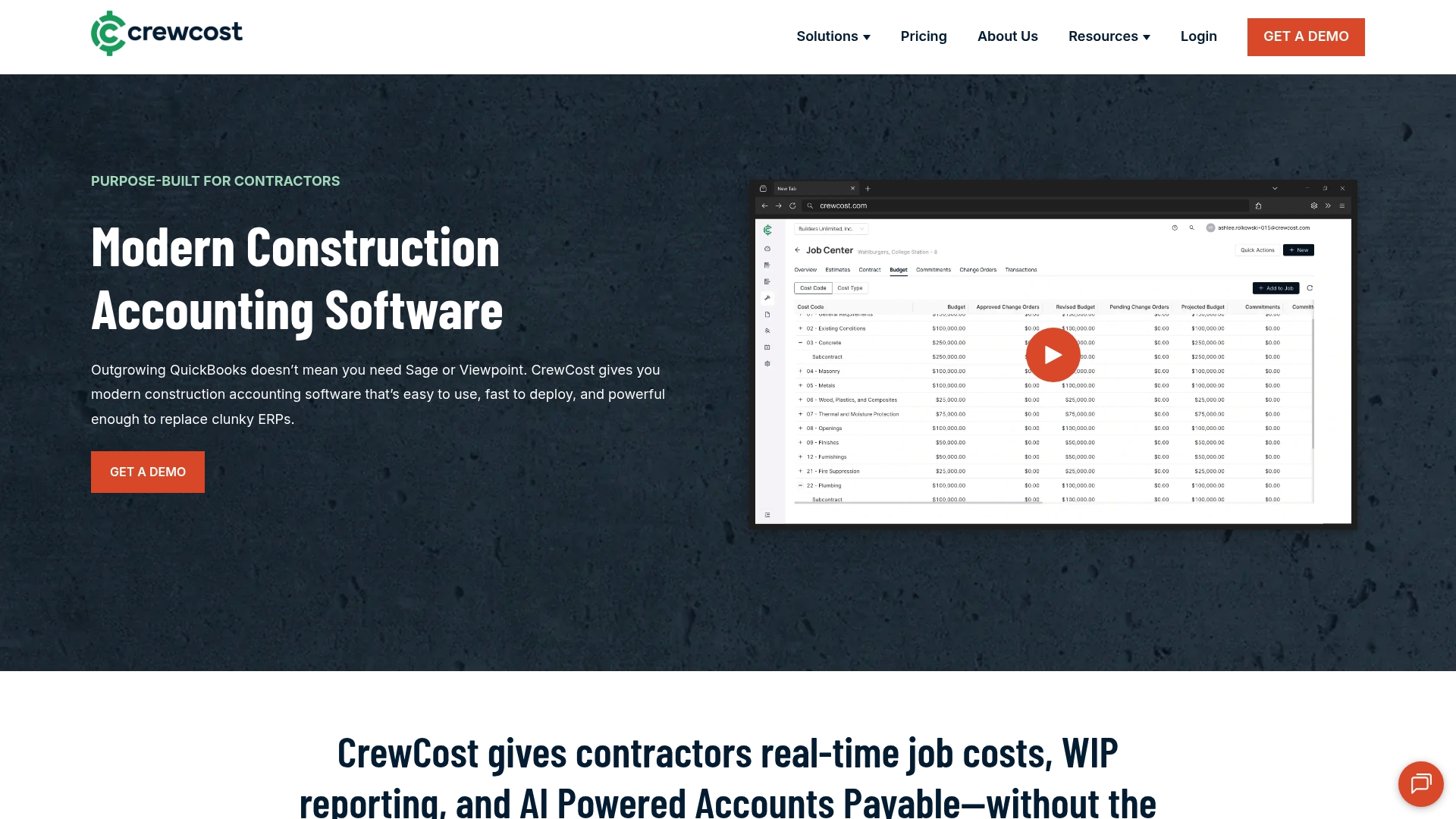
Starts at $999 per month for companies with up to $10M in annual revenue, billed on an annual subscription tied to company revenue. CrewCost targets contractors with real-time job costing, AP automation, and construction billing features built into a cloud accounting workflow.
Core Features
- Real-time project cost tracking and WIP reporting so you see committed versus actual cost at the project level.
- AI-powered accounts payable automation that reduces manual invoice entry and routes approvals.
- Progress billing, retainage management, and construction-friendly revenue recognition.
- Cloud access and integrations with construction systems to connect financials with field data.
Key Differentiator
CrewCost’s angle is narrow and practical. The product focuses on construction accounting rather than general ledger bookkeeping. That focus means its chart of accounts, billing flows, and WIP reports match how contractors actually run jobs.
The vendor positions the product as replacing QuickBooks plus a workbook of spreadsheets for contractors who want job-level visibility without wrestling an ERP. That pitch will matter most if you need construction-specific financial controls out of the box.
Pros
- Purpose-built accounting reduces setup work compared with retrofitting QuickBooks for projects. You get contractor-friendly defaults for cost codes and retainage.
- Cloud access lets estimators and PMs review job health from any device, which speeds dispute resolution and change order approvals.
- The offering includes onboarding, support, and integrations at no extra cost, lowering the upfront migration friction for firms switching from spreadsheets.
- Real-time job costing and WIP reports give you quicker sight lines into which jobs are drifting and why.
- AP automation and progress billing cut repetitive admin work, freeing office staff to chase receivables and manage subcontracts.
Cons
- Several buyer reviews note a learning curve adapting to construction-specific workflows, which can slow adoption for teams entrenched in QuickBooks plus spreadsheets.
- As a cloud platform, it depends on internet access; crews working in low connectivity areas will face limitations.
- The product does not include service management modules and is focused strictly on contracting and project financials.
When It May Not Fit
If your business needs heavy customization for atypical contract types or a combined field service and maintenance workflow, CrewCost may feel constrained. Larger firms that require a full ERP with manufacturing, inventory at scale, or complex multi-entity consolidations may outgrow the platform.
Notable Integrations
- Procore for project management syncing between field records and financials.
Who It's For
Growing contractors and small to mid sized construction firms who want dedicated job costing and AP automation without an ERP implementation. Estimators, project managers, and controllers at electrical, plumbing, HVAC, framing, and concrete trades will find the accounting model familiar.
Real World Use Case
A mid sized general contractor moved off QuickBooks and spreadsheets to CrewCost, then began seeing job-level margins nightly instead of monthly. AP batching and progress billing reduced invoice cycle time and improved cash flow, which let the firm bid more aggressively on next quarter projects.
Pricing
Annual subscription priced by company revenue, starting at $999 per month for businesses up to $10M in revenue. Higher tiers are available for larger companies and additional needs.
Website: https://crewcost.com
Comparative Analysis of Top Job Costing Solutions for Specialty Trades
With numerous job costing solutions available, choosing the right fit for your specialty trade firm requires evaluating the distinct value each platform offers. Below, we compare Sub Ascent with competitors eSUB, JobTread, Plexxis, and CrewCost to highlight trade-offs and advantages tailored to varied contractor needs.
Pricing Structure and Cost Scalability
Sub Ascent's flat-rate pricing model allows firms to scale field operations without incremental per-seat costs, proving cost-efficient for growing teams. By contrast, JobTread, while offering integration capabilities and a platform, implements a tiered pricing approach based on user count, which might become expensive for larger teams. Meanwhile, CrewCost integrates construction-specific accounting features but with a high starting monthly cost, making it less accessible for smaller operations.
Features Tailored to Field and Office Collaboration
Sub Ascent's suite emphasizes synchronized workflows between estimators and field teams, including the CrewTrack mobile app for streamlined field reporting. Plexxis offers a cohesive system combining accounting, project management, and offline-capable field apps, yet its complexity during onboarding might delay productivity. JobTread excels in providing a unified platform for estimating and client management but lacks field-to-office synchronization.
Competitor Wins and Specializations
- eSUB wins on intuitive field documentation with its mobile-first approach, ideal for firms prioritizing real-time progress logging from remote job sites.
- CrewCost specializes in accounting automation geared toward construction firms, offering focus on financial workflows.
- Plexxis is a strong pick for firms seeking complete back-office integration under one vendor, which benefits teams migrating from disparate systems.
Best Fit Scenarios
- Sub Ascent for field-to-office integration at sensible costs.
- eSUB for trade contractors needing field-documented daily reports and approvals.
- CrewCost for financial controllers desiring advanced WIP tracking and cost reconciliation.
- Plexxis for trades consolidating platforms into an all-in-one suite.
Our Pick: Sub Ascent
For specialty trade firms aiming for scalable software solutions without increasing operational costs, Sub Ascent's flat-rate pricing and field synchronization tools provide an choice. However, those seeking advanced financial analytics or individual feature prioritization might explore CrewCost or eSUB respectively.
Construction Job Costing Software Comparison
Selecting the right construction job costing software involves understanding the core features, pricing models, and strengths unique to each platform.
| Product | Core Feature or Primary Use Case | Key Differentiator | Pricing | Notable Limitation |
|---|---|---|---|---|
| Subascent | Captures and tracks job bids and field data | End-to-end workflow for trade subcontractors | $39-$79/month; $99 add-on | Advanced PDF takeoff available only as an add-on |
| eSUB Construction Software | Field documentation and project management | Designed specifically for trade subcontractors | Not disclosed | Limited scheduling and plan tools require external software |
| JobTread | All-in-one project and financial management | AI integrations and client communication portals | $199/month; $20/user/year | Infrequent updates disrupt established team workflows |
| Plexxis | Field and office system unification | Comprehensive subcontractor-tailored tool suite | Not disclosed | Initial setup complexity and platform performance issues |
| CrewCost | Real-time job costing and AP automation | Construction accounting focus, line-item summaries | Starting at $999/month | Internet dependence limits field use in low connectivity |
Find the Right Job Costing Tool for Your Specialty Trade
If you are an owner, estimator, or project manager in trades like electrical, plumbing, HVAC, masonry, or roofing, you know how easy it is to lose track of bid invites or fall behind on deadlines. Accurate job costing means capturing bids, managing change orders, and syncing field reports without rebuilding your estimate workbook every time. Subascent is designed just for specialty trades like yours. With flat pricing and a free CrewTrack app for foremen, it keeps your project data and timecards in sync while helping you get invoices out faster and integrate with QuickBooks.

Stop guessing which jobs make money and start managing bids, estimates, and field data all in one place. Visit Subascent to explore how you can track bid invitations and submit change orders the way electrical, concrete, or drywall teams actually work. Bring your estimating and field teams together and import your Excel workbooks with no extra fees per user.
Frequently Asked Questions
How does Subascent automate bid capture for subcontractors?
Subascent automates bid capture by grabbing invites and deadlines, which reduces the chances of losing opportunities in email clutter. This feature allows estimators to focus on active bids without missing critical deadlines. Consider using Subascent to streamline your bid management process and enhance your chances of securing projects.
What is the difference between Subascent and eSUB regarding field documentation?
While eSUB emphasizes mobile access to daily reports and photos for field documentation, Subascent excels in real-time syncing between field users and office staff using its CrewTrack app. This difference makes Subascent particularly beneficial for subcontractors needing instant updates from job sites. Take advantage of this feature to improve communication between field and office teams.
Which platform offers flat-rate pricing without per-seat fees for subcontractors?
Subascent offers flat monthly pricing that eliminates per-seat fees, allowing you to add as many field users as needed without extra costs. This structure helps firms grow without ballooning overhead costs. Utilize Subascent’s pricing model to scale your estimating team efficiently without worrying about increasing your monthly bill.
Can I integrate Subascent with other construction software for better job costing?
Subascent advertises integrations with third-party AI services for data analysis, which can enhance your job costing capabilities. This means you can combine field data and financials for comprehensive project visibility. To optimize job costing analysis further, consider integrating Subascent with other tools you currently use.
What job trades find Subascent most beneficial?
Subascent is designed specifically for specialty trade firms like electrical, plumbing, and HVAC teams among others, focusing on their unique workflows for capturing bids and syncing field data. This targeted approach ensures that the software aligns closely with their operational needs. If you belong to one of these trades, Subascent may be the ideal tool for streamlining your estimating and field reporting processes.