
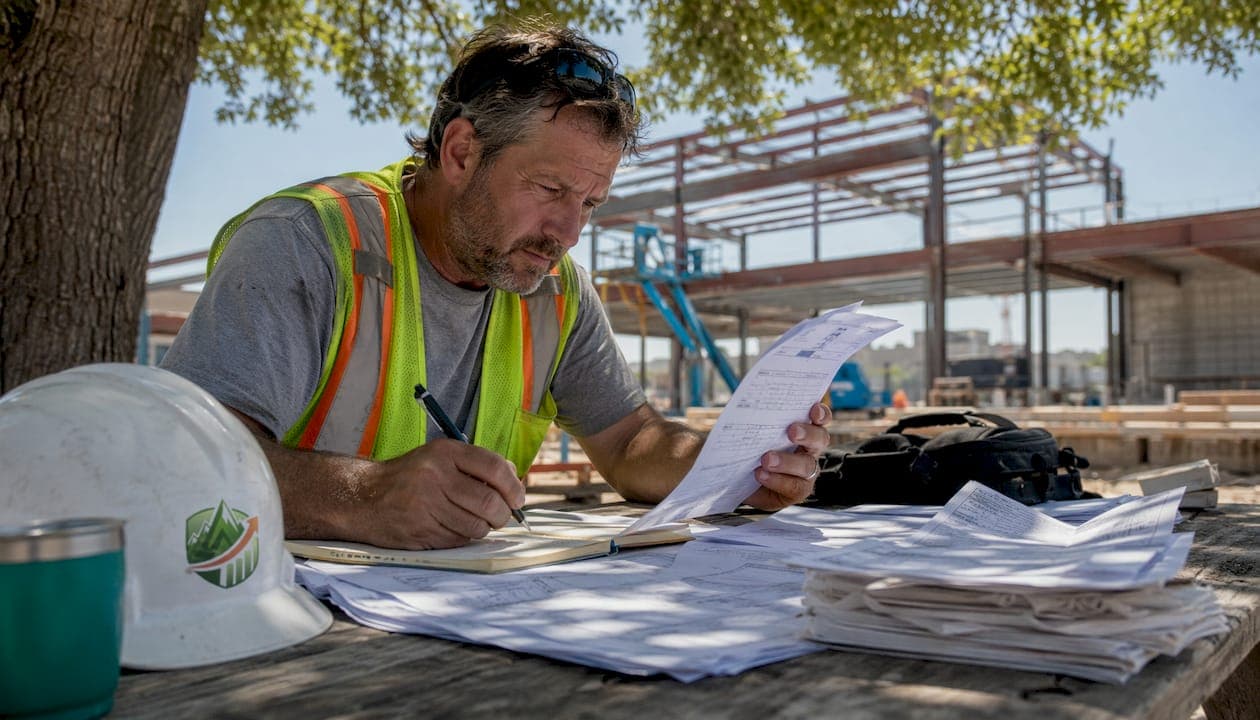
Steel contractors have three practical options for collecting employee timecards: mobile apps for field crews, kiosk or tablet clock-in stations for shop workers, and manual supervisor entry for remote or specialized sites. Each method serves a different part of your operation, and most steel subs end up using all three depending on where their people are working that day. The goal is the same across all of them: accurate hours that flow directly into payroll without someone manually keying data twice.
Here is a quick orientation on the core methods:
- Mobile app clock-in: Field crew members clock in and out from their phones, with GPS verification confirming they are on site.
- Kiosk or tablet station: A shared tablet at the shop or yard lets workers tap in with a PIN or facial recognition. No personal device required.
- Supervisor manual entry: A foreman or office admin enters hours on behalf of a crew; this is useful for remote erection sites with no cell signal.
- Payroll integration: All three methods connect to systems like Foundation Payroll Software, QuickBooks, or Sage 100, so hours move to payroll without re-entry.
Manual time tracking inaccuracies can cause 2%–8% overpayments in construction labor costs annually. For a steel sub with a multi-million dollar payroll, this represents substantial money lost to rounding errors and paper timecard guesswork.
What digital time tracking features actually matter for steel subs?
Not every feature in a time tracking app earns its keep on a steel job. The ones that do are the ones built around how steel work actually runs: crews split between the shop and the erection site, foremen too busy to chase paper, and payroll that needs to close on Friday regardless of what happened in the field.
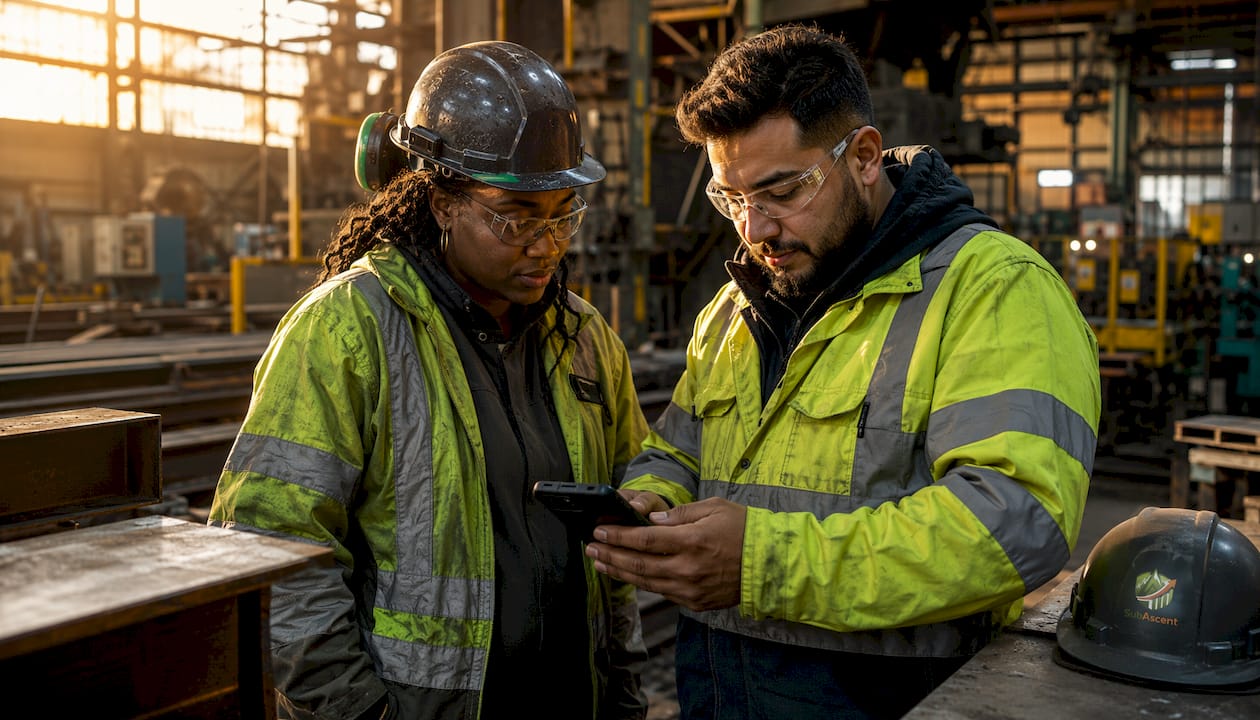
GPS and geofencing are the foundation. A GPS-enabled mobile app confirms a worker is physically on site before the clock starts. Geofencing takes it further by setting a virtual boundary around the shop address so workers cannot clock in from the parking lot across the street or from home. Geofencing technology is especially effective for shop-based steel work, where buddy punching is a persistent problem.

Offline mode is non-negotiable on erection sites. Steel erection happens in places with poor or no cellular coverage, and an app that requires a live connection is useless there. Offline-capable apps store time entries locally and sync when the device reconnects, so no hours are lost.
Key features worth evaluating for any steel sub:
- Cost code tagging: Workers assign hours to a specific job and cost code at clock-in, feeding your job cost reports without extra admin work.
- Photo capture and facial recognition: Kiosk stations with photo verification prevent one worker from clocking in for another. Berger Steel enabled this on their tablet kiosks and eliminated the ability for employees to modify each other's time cards.
- Real-time sync: Hours appear in the office the moment they are submitted, not at the end of the week.
- Payroll system integration: Direct connections to Foundation Payroll Software, QuickBooks Desktop, and Sage 100 eliminate manual re-entry and the rounding errors that come with it.
- Remote worker GPS tracking: When paired with vehicle GPS, you get a clear picture of where crews are during working hours.
Pro Tip: Set up cost codes in your time tracking app to mirror your estimate line items. When hours flow in tagged to the same codes you bid against, your budget-versus-actual reports write themselves.
How to run a timecard approval workflow that actually holds up
A timecard is only as good as the approval process behind it. Submitted hours that go straight to payroll without review are an open door for errors, and errors in steel labor costs compound fast across a multi-week project.
A clean approval workflow runs in four steps: submission, verification, revision if needed, and final approval. Workers submit hours daily or at the end of each shift. A foreman or supervisor reviews them the same day while the work is still fresh. Any discrepancies get flagged and corrected before the payroll run, not after.
Handling missing timecards is where most shops fall apart. The fix is simple: set a hard cutoff time for submission, and give foremen a dashboard view showing who has not clocked out. A quick text or in-app notification closes most gaps before the office even notices. Digital time tracking gives admins a single screen showing every employee's status across all jobs, replacing the old system of flipping through stacks of paper cards.
Best practices for the approval stage:
- Verify against daily logs: Cross-reference submitted hours with your daily field reports or site diary to catch discrepancies.
- Track overtime proactively: Flag any worker approaching 40 hours mid-week so foremen can adjust scheduling before overtime kicks in. The Department of Labor enforces overtime rules under the Fair Labor Standards Act, and miscalculations carry real penalties.
- Secure the approval chain: Require a named supervisor to approve each timecard, not just a generic "office" login.
- Give workers visibility: Berger Steel found that employees appreciated seeing their detailed hours alongside their paychecks, which reduced disputes and built trust in the system.
Pro Tip: Send crews a weekly summary of their approved hours before payroll closes. When workers can see their own totals, they catch errors themselves. That one habit cuts timecard disputes by more than any software feature will.
Training matters more than most owners expect. A one-time walkthrough on day one is not enough. Pair new hires with a foreman who already uses the app confidently, and post a laminated quick-reference card at every kiosk station. The crew productivity tracking habits you build in the first two weeks tend to stick for the life of the project.
Why steel crews resist digital timecards and how to get past it
The most common reason digital timecard rollouts stall has nothing to do with the software. It is the crew's assumption that GPS tracking and photo clock-ins are surveillance tools, not pay tools. That framing kills adoption before the app is even installed.
The fix is to lead with what the technology does for the worker, not for management. When you explain that the app records their exact hours so they get paid for every minute they worked, and that no one can modify their timecard without their knowledge, the resistance drops. Framing the technology as a pay accuracy tool is the single most effective adoption strategy for field crews.
Common barriers and practical solutions:
- "I don't have a smartphone": Use a shared kiosk tablet at the shop or job trailer. No personal device required, and the clock-in takes under 10 seconds.
- "There's no signal on the erection site": Choose an app with offline mode. Hours save locally and sync automatically when the crew drives back to the yard.
- "The foreman will mess with my hours": Photo capture and locked timecard records mean no one can edit a submitted entry without an audit trail. Workers can see their own approved hours before payroll runs.
- "This is just Big Brother": Address this directly in your rollout meeting. Show the crew exactly what data is collected and what it is used for. Transparency here is not optional.
Management buy-in is the other half of the equation. If the owner or project manager is not using the system consistently, the crew will not take it seriously either. The foreman who tracks crew hours on a tablet every morning sets the standard for the whole crew.
Connectivity issues on erection sites deserve a specific plan before the project starts. Identify dead zones during the site walk, decide whether offline mode or supervisor batch entry covers those areas, and document the process so there is no ambiguity on day one.
Real-world implementation: what steel subs are actually using
Digital time tracking can reduce annual labor costs by 2%–8% by eliminating overpayments and cutting the administrative time spent on manual timecard entry.
Hancock Structural Steel is one of the clearest examples of what a well-executed digital rollout looks like. The company was manually entering paper timecards into Foundation Payroll Software, a process that consumed significant office time and introduced errors at every step. After implementing a digital time tracking solution with geofencing and cost code features, the office manager was able to shorten the payroll process and redirect her time toward workforce development and retention. The geofence at the shop address meant workers could only clock in on site, and cost codes were assigned at clock-in rather than reconstructed from memory at week's end.
Berger Steel, a steel sub with roughly 70 employees, ran a similar transition. Paper timecards were often messy, incomplete, or modified after submission. Rolling out a tablet kiosk at each job site, with photo capture and facial recognition enabled, eliminated both buddy punching and after-the-fact edits. The office manager stopped rounding hours to make payroll math work and started running exact hours directly from the app into QuickBooks. The company eventually extended the system to shop workers as well, because the accuracy gains in the field made the case obvious.
Subascent's CrewTrack is built specifically for specialty trade subs in this size range. It handles mobile clock-in for field crews, cost code assignment at the point of entry, and direct integration with payroll systems, all from a single app designed for foremen and field workers rather than enterprise IT departments. The CrewTrack mobile solution gives office managers a real-time view of who is on the clock, where they are, and what job they are working, without requiring anyone to chase paper at the end of the week.
Time is one of the four core components of steel project management alongside performance, cost, and scope, and accurate time data is what connects field labor to project budgets in real time. When hours flow from the field into your job cost system the same day they are worked, you can see a job going over budget before it is too late to act. That is the practical case for digital timecard collection beyond payroll accuracy: it turns labor data into a project management tool.
Other software options worth knowing in this space include Raken for daily reporting with time tracking built in, HCSS HeavyJob for heavier civil and structural work, Contractor Foreman for smaller subs managing multiple trades, and Foundation Payroll Software as the payroll backbone that most of these tools integrate with. The right combination depends on your shop size, how many jobs you run simultaneously, and whether your biggest pain point is in the field or in the office.
For site documentation that complements your time tracking, site diary tools can capture daily labor records alongside photos and safety notes, giving you a complete picture of what happened on any given day.

Subascent's CrewTrack gives steel and rebar subs a purpose-built mobile timecard solution that connects field hours directly to job costs and payroll. No paper, no re-entry, no end-of-week scramble. See how it works at Subascent.
Key Takeaways
Digital timecard collection is the most reliable way for steel contractors to eliminate payroll overpayments, improve job cost accuracy, and free up office time that paper processes consume every week.
| Point | Details |
|---|---|
| Three core collection methods | Mobile apps, kiosk tablets, and supervisor manual entry each cover a different part of a steel sub's operation. |
| Labor cost savings | Manual timecard errors cause significant overpayments annually; digital systems eliminate most of that loss. |
| Geofencing prevents buddy punching | Setting a geofence at the shop address stops workers from clocking in or out from off-site locations. |
| Approval workflow is critical | Daily supervisor review and locked timecard records prevent errors from reaching payroll. |
| Payroll integration closes the loop | Direct connections to Foundation, QuickBooks, and Sage 100 remove manual re-entry and the rounding errors it creates. |