
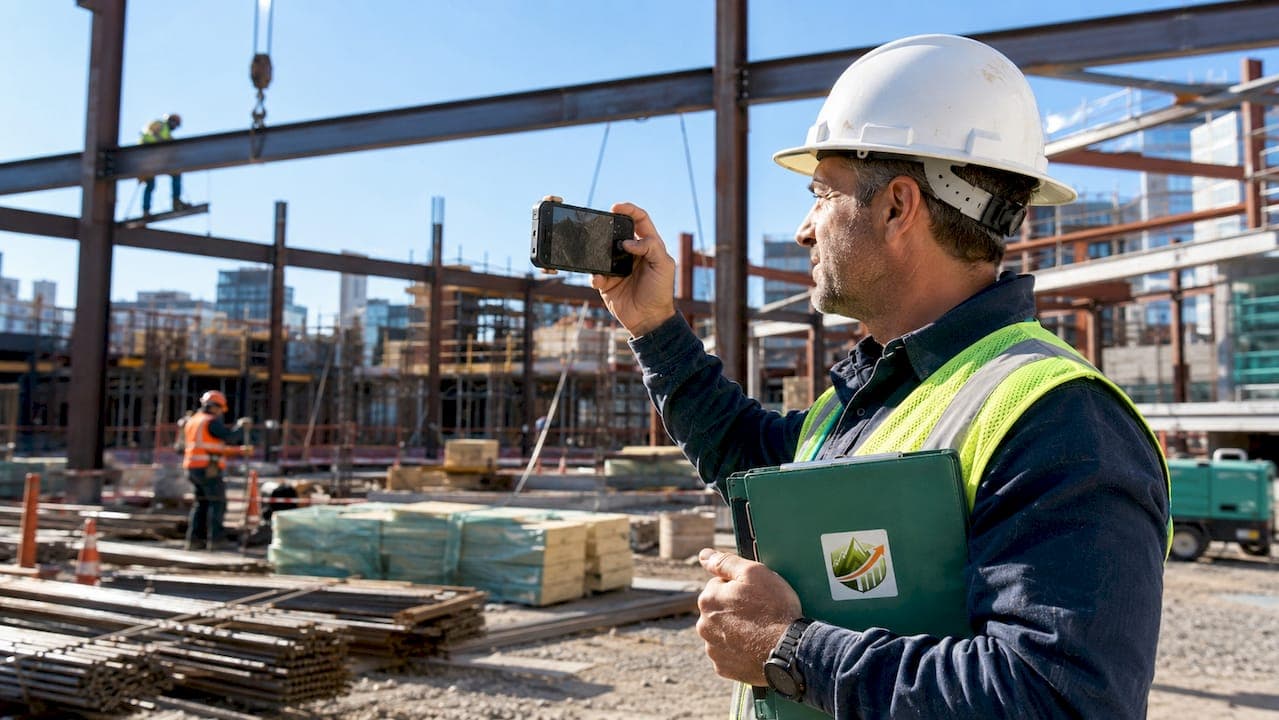
Job site photo documentation is the practice of capturing images with visible, embedded timestamp, GPS coordinates, and project identifiers to create legally defensible visual records. This is not the same as snapping progress photos on your phone and texting them to the GC. The industry term is "construction site photo documentation," and it follows a defined methodology that specialty trade subs, from electrical to roofing to masonry, use to protect their billing, prove their work, and win disputes. Most courts now require visible timestamps rather than invisible EXIF metadata for photo evidence to be admissible. That single fact changes how every photo on your job site should be taken.
How photo documentation works on job sites: the core process
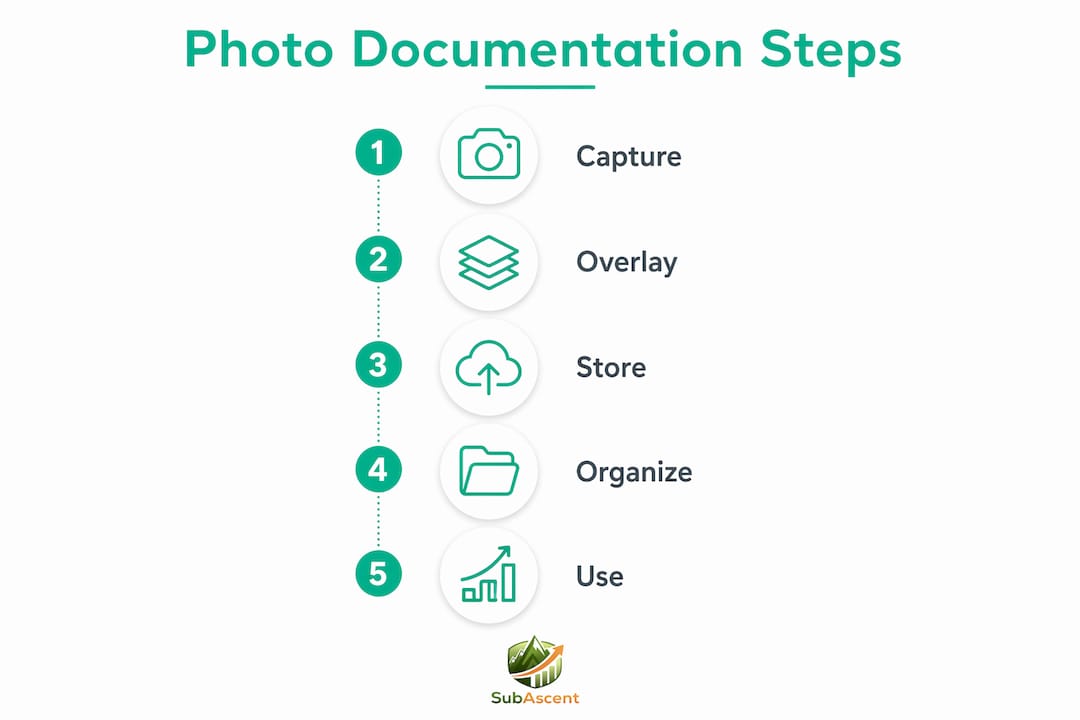
Photo documentation on job sites works through three linked steps: capture, overlay, and storage. Each step has specific requirements that determine whether your photos hold up as evidence or get dismissed in a dispute.
Capture means taking photos at defined times, angles, and distances. Overlay means burning visible data directly into the image pixels, not just the file metadata. Storage means organizing and backing up files so any photo can be retrieved in under two minutes.

The overlay step is where most subs fall short. EXIF metadata is stripped by messaging platforms like WhatsApp, Slack, and email. That means the date and location data embedded invisibly in your photo file disappears the moment you send it. Visible overlays baked into the pixels survive every transfer. This is not a minor technical detail. It is the difference between a photo that proves your case and one that gets thrown out.
What makes job site photos legally defensible?
Four visible data elements must appear directly on the image to make a construction photo legally defensible.
- Date and time stamp: The timestamp must come from an atomic clock source, not your device clock. Device clocks drift and can be changed manually. Atomic time synchronization removes that vulnerability.
- GPS coordinates: Latitude and longitude confirm the photo was taken at the actual job site, not somewhere else.
- Human-readable site address: Coordinates alone are not enough for non-technical reviewers in arbitration or court. A readable address removes ambiguity.
- Project or company identifier: A visible job number or company name ties the photo to a specific contract and scope of work.
Photos without atomic timestamps are vulnerable to contestation because device clocks can drift or be tampered with. That vulnerability has cost subs real money in arbitration. Beyond the overlay, you also need to retain the original unedited file alongside any stamped copy. Editing the original breaks the chain of custody. Store both versions in your project folder from day one.
Pro Tip: Never send original job site photos through WhatsApp or standard email as your only copy. The metadata strips out automatically. Always upload to your central storage first, then share a link or a stamped copy.
How should subs standardize their photo capture routine?
A daily photo routine of 20–30 minutes is one of the highest-return habits a specialty trade sub can build. Construction disputes cost the industry $48 billion annually. A consistent capture routine is your cheapest form of dispute insurance.
Here is the daily sequence that works for trades like framing, drywall, plumbing, and fire protection:
- Morning baseline (8–12 wide shots): Photograph the full work area before any crew activity. These shots establish the starting condition for that day.
- Hourly progress photos: One wide shot and one medium shot per active work zone, every hour. This creates a timestamped timeline of what happened and when.
- Three-photo sequence per item: For any element you want to document specifically, use the three-photo rule: wide shot for site context, medium shot of the element, and close-up with a scale reference.
- Pre-cover-up shots: Before any work gets covered by drywall, concrete, or insulation, photograph it. Electrical rough-in, plumbing runs, and rebar placement all need to be documented before they disappear.
- End-of-day wrap shots: Eight to twelve wide shots matching your morning baseline angles. These confirm what was completed and the condition left at close of work.
- Incident documentation: Any weather damage, material defects, or unauthorized changes get their own photo set immediately, with a written note attached.
Including a physical scale reference in close-ups, like a tape measure or a coin, is often skipped but matters in disputes. It prevents arguments about the size or severity of a defect. A roofing sub who photographs a membrane tear with a tape measure next to it has a much stronger insurance claim than one who does not.
Pro Tip: Assign photo documentation to a specific person on each crew, not to "everyone." When it is everyone's job, it gets done by no one. One person per crew, same time every day.
What are best practices for organizing and storing site photos?
Disorganized photos are nearly as useless as no photos. If you cannot find the image in two minutes during a dispute call, it will not help you.
The folder structure that works best for specialty trade subs organizes by project first, then by trade or phase, then by date. A concrete sub running three jobs simultaneously needs a folder for each job, subfolders for each phase (formwork, pour, strip, finish), and date-stamped folders inside each phase. File names should follow a consistent format: JobNumber_Date_Zone_Sequence. For example, "2024-047_20260315_Level3_012.jpg" tells you the job, the date, the location, and the sequence without opening the file.
Organizing photos by project, trade, date, and area using standardized file names and centralized cloud storage enables rapid retrieval in disputes and audits. Saving photos only on a foreman's personal phone or in a group text thread is the single most common mistake small trade subs make. When that foreman leaves the company, the photos go with them.
Best practices for storage and retrieval:
- Use cloud storage with automatic sync, not manual uploads.
- Set up dual backup: cloud plus a local drive updated weekly.
- Link photos to the relevant daily report, RFI, or change order in your project management system.
- Run a weekly audit: check that timestamps and GPS data are accurate on a sample of that week's photos.
- Organize by trade, phase, and issue tags rather than date folders alone to improve searchability.
Pro Tip: Set your cloud storage folder to auto-sync from your field app. Manual uploads get skipped on busy days. Automation removes the human failure point.
How do photo workflows connect to billing and dispute resolution?
Photo documentation connects directly to getting paid faster and defending your scope. Before and after photos linked to daily reports substantially improve success in payment draw requests and change order approvals. Visual proof removes the back-and-forth about whether work was completed and to what standard.
For a painting sub or a flooring crew, a before-and-after photo pair submitted with an invoice is harder to dispute than a line item alone. For an HVAC or low-voltage sub, photos of rough-in work before it gets covered are the only proof that the installation happened at all. Before and after photo pairs shared as combined images or single links are decisive evidence for warranty, payment, and dispute claims.
Photo documentation also integrates with your change order documentation workflow. When a GC disputes a change order, photos of the existing condition before your crew touched it, and photos of the completed change, close the argument quickly. The same applies to RFIs. A photo attached to an RFI showing the exact field condition removes ambiguity and speeds the GC's response.
Pro Tip: When you submit a payment draw, attach a photo summary PDF with five to ten key images from that billing period. PMs who can see the work approve draws faster than those who have to take your word for it.
Key Takeaways
Job site photo documentation works only when visible overlays, consistent capture routines, and centralized storage operate together as a system.
| Point | Details |
|---|---|
| Visible overlays are non-negotiable | Burn timestamp, GPS, address, and project ID into pixels, not just EXIF metadata. |
| Use atomic time sources | Device clocks drift and can be changed; atomic sync hardens evidentiary value. |
| Follow the three-photo rule | Wide, medium, and close-up with scale reference for every documented item. |
| Centralize storage immediately | Cloud sync beats manual uploads; personal devices and group texts lose photos. |
| Link photos to project records | Attach images to daily reports, change orders, and RFIs to build a complete paper trail. |
What I've learned running photo documentation on trade jobs
The biggest mistake I see specialty trade subs make is treating photo documentation as a task they do when they remember to. It becomes an afterthought on busy days, which are exactly the days when something goes wrong and you need the photos most.
The subs who never lose disputes are not the ones with the fanciest cameras. They are the ones who made photo capture a non-negotiable part of the morning routine, the same way they check the weather or review the day's schedule. A masonry crew that photographs every lift before the next course goes up has a complete visual record of the entire wall. A drywall sub who photographs every rough-in inspection before boarding has proof that the work was done right, regardless of what the GC claims six months later.
The other thing I have seen consistently: the organization step gets skipped because it feels like office work. But a folder full of 4,000 unlabeled photos is not a documentation system. It is a liability. When you cannot find the photo of the condition before your crew arrived, you lose the argument by default.
Pick a simple system, train your foremen on it, and audit it weekly. The field photo practices that work best are the ones simple enough that a foreman will actually follow them at 7:00 AM on a cold morning. Complexity kills compliance.
— Dave
Subascent supports your field photo and reporting workflow
Specialty trade subs need a project management platform built around how they actually work, not how a general contractor works. Subascent is built specifically for trades like electrical, plumbing, HVAC, roofing, masonry, and drywall, with tools that connect field photo capture to daily reports, change orders, and billing in one place.

Your crew captures photos in the field. Subascent routes them to the right project folder, links them to the relevant report or change order, and makes them retrievable in seconds when a dispute comes up. No more hunting through group texts or a foreman's phone. Visit Subascent to see how the platform fits your trade's workflow and keeps your documentation tight from day one.
FAQ
What is job site photo documentation?
Job site photo documentation is the systematic capture of images with visible timestamp, GPS coordinates, site address, and project identifiers burned into the pixels. It creates a legally defensible visual record of construction progress, conditions, and incidents.
Why are visible timestamps required instead of EXIF data?
EXIF metadata is stripped by common platforms like WhatsApp, Slack, and email during file transfer. Visible overlays baked into the image pixels survive every transfer and are required by most courts for photo evidence to be admissible.
How many photos should a sub take per day?
A standard daily routine includes 8–12 wide baseline shots in the morning, hourly progress photos throughout the day, and 8–12 matching wrap shots at end of day. The three-photo rule applies to any specific item: wide, medium, and close-up with scale reference.
How does photo documentation help with payment draws?
Before and after photos linked to daily reports give GCs and owners visual proof that work was completed to scope and quality. That proof reduces disputes and speeds draw approvals, which directly improves your cash flow.
Where should job site photos be stored?
Photos should go to a centralized cloud system with automatic sync, organized by project, trade, phase, and date. Storing photos only on personal devices or in messaging apps creates retrieval problems and risks losing records when crew members leave.