
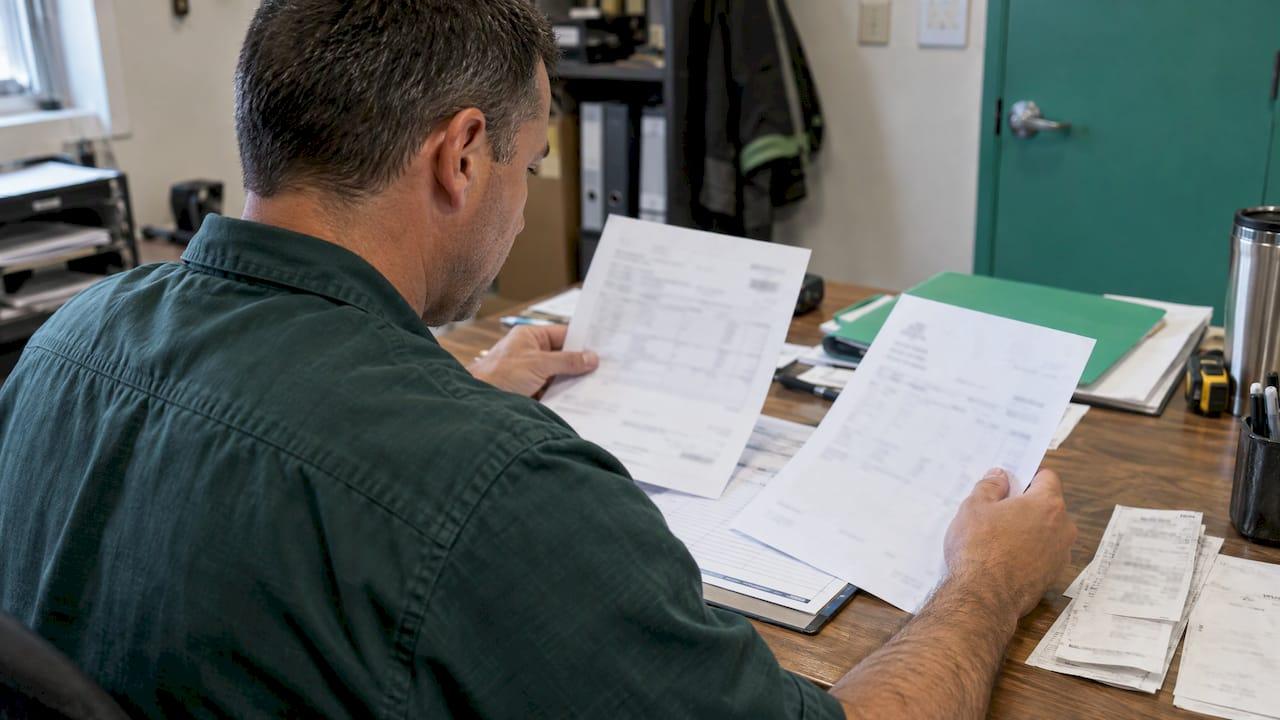
Invoice backup documentation is the paper that proves the amount on your pay application: time reports, supplier invoices, delivery tickets, photos, approved change orders and lien waivers. If it ties line by line to your schedule of values and goes in as one complete packet, the general contractor (GC) can approve it without sending it back. If a form is missing, the whole application can stall. This guide shows electrical, plumbing, HVAC, masonry and other trade firms how to build that packet, and how to match the payment when it arrives.
TL;DR
- Backup is whatever justifies the amount you billed: labor records, material invoices, stored-material proof, approved change orders, and waivers.
- Every billed number should trace to a schedule of values (SOV) line. If the GC cannot see where a number came from, it gets questioned.
- Send one complete packet. One GC's checklist says missing items can get the application rejected until a complete one is resubmitted.
- Read the subcontract and the GC's billing procedures before the first bill. Requirements vary by contract, customer and project.
- After payment, match the money to the invoice, retainage and any deductions the same week, so your AR stays clean.
Table of Contents
- What invoice backup documentation actually is
- What backup supports which part of the bill
- Tie every number to the schedule of values
- Send one complete packet
- Check the contract before you submit
- Submit on time, to the right people
- Cash application: matching the money when it lands
- Common reasons backup gets rejected
- Keep backup together with your jobs
- FAQ
- Sources
What invoice backup documentation actually is
A pay application says "we are 40% done with rough-in, bill $62,000." Backup answers the question "how do you know?"
One common contract definition describes backup documentation as documentation included to justify the amount invoiced, with timesheets, receipts and supplier invoices as examples. On a construction job the idea is the same, but the list is longer. It covers labor, materials, equipment, changes and compliance forms.
You may hear the same thing called a payment application backup, a billing package or a pay app packet. The words change. The job does not: give the person approving the bill enough evidence to say yes quickly.
Why it matters for a trade firm:
- Speed. A reviewer who can verify a number in one glance approves it. A reviewer who has to ask a question parks it.
- Cash flow. You carry labor payroll every week. A bill held for a missing document is payroll you fund out of pocket.
- Disputes. When a change order or a stored-material line is challenged six months later, your backup is your case.
What backup supports which part of the bill
There is no single universal list. Owners and GCs publish their own. But the published ones overlap a lot. This table pulls from the billing procedures and training material cited below.
| What you bill | Typical backup | Where it goes wrong |
|---|---|---|
| Labor | Time reports, daily reports, certified payroll when the project requires it | Hours that do not match the daily reports, or no record of who was on site |
| Materials installed | Supplier invoices, receipts, purchase orders | Invoice totals that cannot be matched to the SOV line |
| Stored materials | Invoice or bill of sale, proof of payment, storage location, photos, identification | No photos, no proof the material is segregated and tagged |
| Equipment | Rental invoices, internal rate sheet if the contract allows | Rates that do not match the subcontract |
| Change orders | Signed change order, time-and-material tickets, pricing breakdown | Billing work before the change is approved |
| Compliance | Lien waivers, insurance certificates, payroll forms | Wrong waiver type, wrong through-date, expired certificate |
Labor, materials and overhead
Unger Construction's billing procedures say each billed percentage of completion needs supporting documentation such as receipts, purchase orders, contracts and time reports. That covers labor, materials, equipment, bonding when required, and overhead. The point for you: the reviewer expects a paper trail for each line, not a lump sum.
If your foremen already fill out daily reports and time, half of this is done. The trouble is usually that time lives on paper in a truck and daily reports live in someone's phone. Getting those into the office on a schedule is the real fix.
Stored materials
Stored material is where trade firms get bounced most often. Think switchgear, boiler units, rebar, or brick delivered early and sitting in a yard.

Hensel Phelps' training for emerging contractors lists what it looks for: evidence the materials have been paid for, a bonded and insured warehouse, photos of proper storage, clear identification, and physical verification or inspection.
Unger Construction says off-site stored-material requests are considered individually and subject to owner approval. Its stated records include a product description, invoice or bill of sale, storage address or map, evidence the material is segregated and identified as the owner's, and photographs.
The practical rule: before you buy material early, find out whether this owner pays for stored material at all. If it does, take the photos the day it lands.
Change orders
Bill a change only once it is approved, and attach the approved document. For time-and-material work, attach the signed daily tickets that show labor, material and equipment. This change order management guide covers the documentation reviewers need to approve change order costs, including time-and-material work. For examples by trade, see our change order documentation examples.
Lien waivers and compliance forms
The Hensel Phelps training says a pay application may require third-party-obligation records, conditional or unconditional lien waivers, receipts and invoices. It presents these as training guidance, not universal rules.
A conditional waiver takes effect only when you are paid. An unconditional one takes effect when you sign. Sending the wrong one, or one with the wrong through-date, is a common reason a packet comes back. Our guides on conditional lien waivers and the lien waiver process for subcontractors walk through which to send when.
Tie every number to the schedule of values
The SOV is the breakdown of your contract price into line items. Your pay application bills a percentage of each line. Backup should be organized the same way, so a reviewer can go from line to proof.
A clean method:
- Start from the approved SOV. AMG Associates accepts its contract's Exhibit F payment application or a company invoice, but requires the owner-approved SOV. It also says the trade firm should update its SOV to match owner-approved billing as the project progresses.
- Carry last month forward. The Hensel Phelps training recommends carrying each pay application forward from the prior month and backchecking values. Previous billed plus this period should equal total to date, every time.
- Label backup by SOV line. Name files "Line 07 - Conduit rough-in - supplier invoice," not "scan0042."
- Track GC changes. The same training says to track owner and GC changes and keep purchase-order and invoicing records so you know what you have been paid.
- Tell the GC when your SOV changes. If lines are re-split mid-job, the revised SOV needs to be approved before you bill against it.
A worked example: masonry
Say a masonry sub has a $480,000 contract with an SOV line "CMU walls, level 1" at $96,000. This month the crew is 50% done on it.
- Line billed this period: $48,000 (prior billing of $0, so total to date $48,000).
- Labor backup: four weeks of time and daily reports showing crew size and location.
- Material backup: block, grout and rebar supplier invoices allocated to that line.
- Stored material: a pallet of specialty block delivered early, with the invoice, photos and storage location.
- Waiver: a conditional progress waiver for the exact amount and through-date.
The reviewer sees the line, the math and the proof together. That is the standard to aim for.
Send one complete packet
Level 3 Construction's payment application checklist shows how strict a GC can be. It asks for the checklist itself, a signed Procore application, a matching company invoice, a supplier and second-tier list, a procurement log, a potential-change-order log and waivers, all in one file. Missing items can lead to rejection until a complete application is submitted.
That is one GC's rule, not a law. But it shows a pattern: a missing form can stop the whole bill, not just one line. So build a standard order and use it every month:
- Cover sheet or checklist, if the GC provides one
- Signed pay application (AIA G702/G703 or the GC's own form)
- Matching invoice, if required
- Updated SOV and change order log
- Backup by SOV line
- Stored-material proof
- Lien waivers, correctly dated
- Insurance and compliance documents
If you are unfamiliar with the AIA form itself, start with our explainer on the AIA payment application for subcontractors. For the internal side, who checks the bill before it leaves, see the invoice approval workflow for trade subcontractors.
Check the contract before you submit
Backup requirements depend on the contract, the GC and the project. Read the subcontract's payment article and any billing procedures the GC sends at kickoff. Then build a one-page requirements note per job.
AMG Associates' procedures show how much can ride on that. Its package includes a signed and dated Exhibit F, the owner-approved SOV, a suppliers and material-sources list, a prevailing-wage and apprentices affidavit, and vendor lien releases for relevant claimants. It also treats certified payroll, current DIR registration, insurance, and specified O&M manuals and warranties as possible prerequisites to payment release. Its procedure withholds an additional 10% of gross billing until required O&M manuals and warranties are furnished.
That last point matters to closeout. Gather manuals and warranties as you go, not at the end. Our subcontractor closeout checklist lists what to collect.
Before every submission, confirm:
- The form and version the GC wants
- The cutoff date and who receives it
- Waiver type, amount and through-date
- Whether stored materials are billable on this job
- Whether certified payroll or other public-project forms apply
- Whether insurance certificates are current
Submit on time, to the right people
AMG Associates tells trade firms to send billing to both the assigned project manager and accounts payable by the 20th of each month. It warns that late or misdirected submissions may not be paid on time. It also says AP requests required documents and releases after the owner approves percentages, and the project manager notifies the trade firm of discrepancies.
Two takeaways. First, learn each GC's cutoff and treat it like a bid due date. Second, answer discrepancy notes the same day, because the clock is running on your money. A short guide to who handles what on the receiving side is in this piece on routing payment documents to the right contacts.
Cash application: matching the money when it lands
Cash application is the step after the GC pays. You take each payment and remittance, and apply it to the right invoice in your books. On a construction job that is rarely one check for one invoice.
Watch for these:
- Partial payments. The GC approves less than you billed. Apply what was paid, and leave the balance open with a note of why.
- Retainage. The held-back percentage is a separate receivable. Record it as retainage due at release, not as unpaid past-due billing.
- Deductions. Back-charges, backup problems and rejected lines should each be recorded as a reason, not buried in a write-off.
- One check, many jobs. Match to each job's invoice using the remittance detail, then confirm the bank deposit equals the total.
A weekly routine works: reconcile deposits to remittances, update each job's open balance, flag any short pay, and go back to the GC with the specific line and the backup that supports it. Your own SOV and billing history is what lets you do that fast. Our 30-minute AR routine for construction subs covers follow-up on invoices that sit.
If you also use accounting software, the match belongs there. Keep the job record and the books telling the same story, so the person who bills and the person who reconciles are looking at the same numbers.
Common reasons backup gets rejected
- The pay app total does not equal the sum of the SOV lines.
- Previous billed amounts do not match last month's approved application.
- A change order is billed before it is signed.
- Stored material has an invoice but no photos or location.
- The lien waiver has the wrong amount, through-date or entity name.
- A required insurance certificate or payroll form is missing.
- It went to the project manager but not to accounts payable, or the other way round.
Each of these is fixed by the habits above: a requirements note per job, a fixed packet order, and a check by a second person before it goes out.
Our view: backup should be a by-product of the work
We built Subascent for specialty trade subs, and here is what we keep coming back to: backup is cheap when it is collected as the work happens, and expensive when it is rebuilt at the end of the month.
If the foreman logs the day in the field, the change order is written when the extra work is directed, and the supplier invoice is attached to the job when it arrives, the pay app packet is mostly assembly. If none of that happens, the office spends two days chasing paper and the bill goes out late.
That is why we put daily field reporting, change order workflows, labor and crew tracking through the free CrewTrack mobile app, QuickBooks sync and invoicing in one system for trade firms. GC-built software is designed around the GC's view of the job. A sub's billing has to follow the sub's contract, SOV and crews.
Start with the habit. Then use a tool that keeps it from depending on one person's memory.
Dave
Keep backup together with your jobs
Subascent is job and bid management software for specialty trade subcontractors, including electrical, plumbing, HVAC, masonry, concrete, drywall, roofing and the other trades we serve. Daily field reports, labor and crew tracking, change order workflows and QuickBooks sync live alongside invoicing and financials, so the records behind a bill sit with the job they belong to. The free CrewTrack mobile app for foremen comes with the subscription.
Plans are published at $49 per month for Starter, $99 per month for Scale and $179 per month for Pro, with annual pricing of $490, $990 and $1,790. A PDF takeoff add-on is $99 per month. See the plans and pricing or the invoicing and financials features.
FAQ
What is acceptable backup documentation for a construction invoice?
Acceptable backup is anything that justifies the amount billed: receipts, supplier invoices, purchase orders, time reports, approved change orders and lien waivers. What a particular GC accepts is set by its contract and billing procedures, so read those first.
Do I need backup for every line of the schedule of values?
In practice, yes, in proportion to what you billed. Unger Construction's procedures call for documentation supporting each billed percentage of completion. Label the backup by SOV line so a reviewer can find it fast.
What is the difference between a payment application and an invoice?
A payment application is the formal progress billing against your SOV, often on an AIA-style form. Some GCs also want a matching company invoice with it. Check the subcontract to see which one it names.
What does cash application mean in construction?
It is matching each customer payment and remittance to the right invoice, including partial payments, retainage and deductions. Do it when the deposit arrives so your open balances by job are always current.
Sources
- Hensel Phelps, Emerging Contractor Pay Application Training
- Unger Construction, Billing Procedures
- AMG Associates, Accounts Payable Procedures
- Level 3 Construction, Subcontractor Payment Application Checklist
- Law Insider, Backup Documentation definition
- Change order management for construction project managers
- Routing payment documents to the right contacts